
How Many Keywords Should You Track for One App?
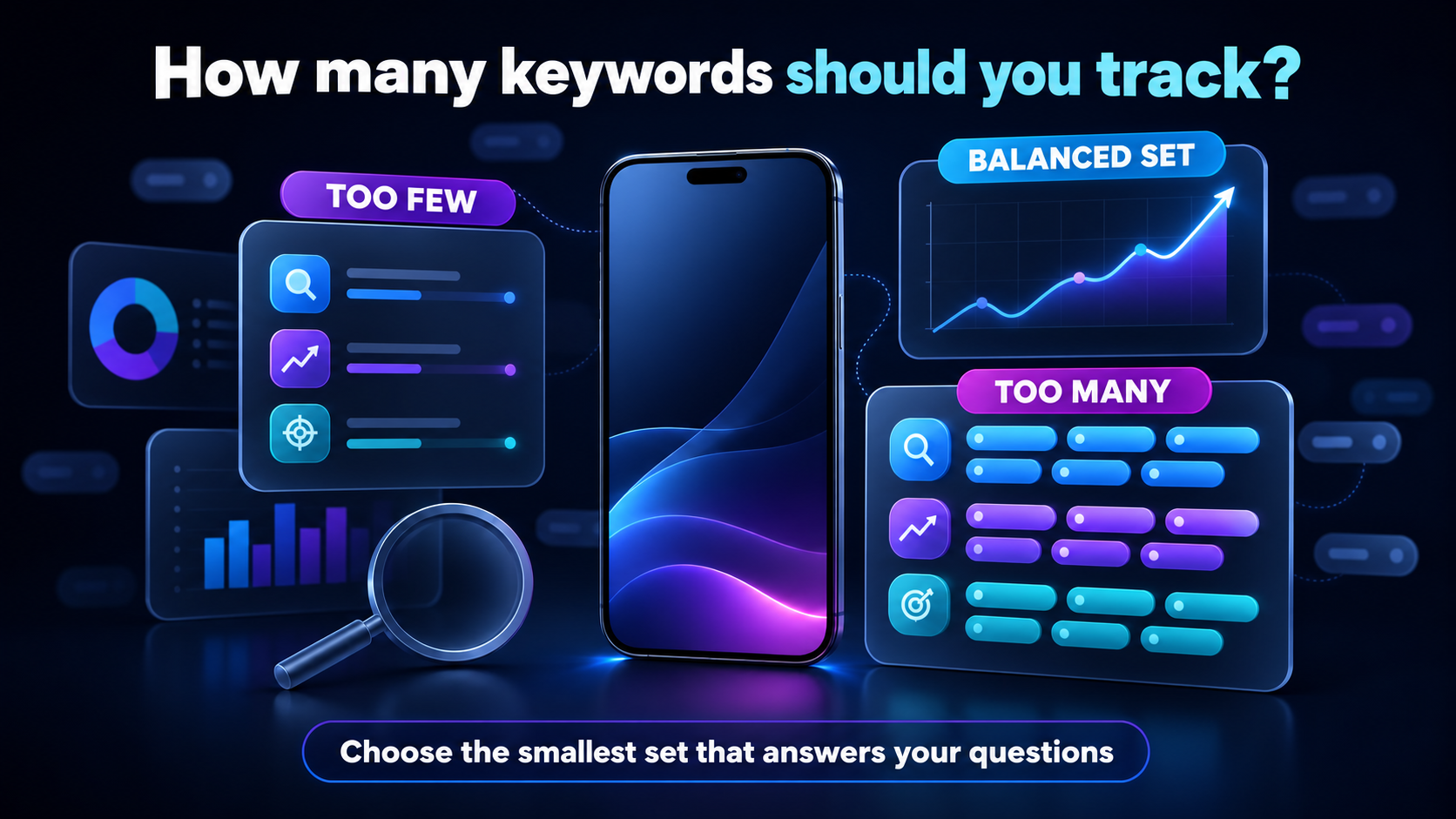
Treat keyword count as a workflow decision, not a score to maximize. Tracking too few keywords creates blind spots: you may miss a feature term, a useful long-tail phrase, or a competitor gap. Tracking too many creates noise, makes weekly reviews difficult, and encourages reactions to changes that do not matter. A focused app keyword tracking tool is most useful when every tracked term has a reason to exist.
| App stage | Suggested active keywords | Main focus | Review approach |
|---|---|---|---|
| Pre-launch app | Research 50+; track 10-20 after setup | Validate intent and listing language | Focused pre-launch review |
| New app | 20-30 | Core category and realistic features | Weekly, with daily checks for priorities |
| Growing app | 40-75 | Growth terms, use cases, and gaps | Weekly clusters; monthly cleanup |
| Established app | 75-150 | Defensive coverage and experiments | Segmented weekly review |
| Multi-country or multi-store app | 150+ | Separate market, store, and intent portfolios | Review by app, country, store, and priority |
These are editorial ranges, not Apple or Google rules. One keyword tracked in two countries represents two different market observations, and the same phrase can behave differently on App Store and Google Play. Keep those contexts separate before deciding that a portfolio is too large.
Why Tracking More Keywords Is Not Always Better
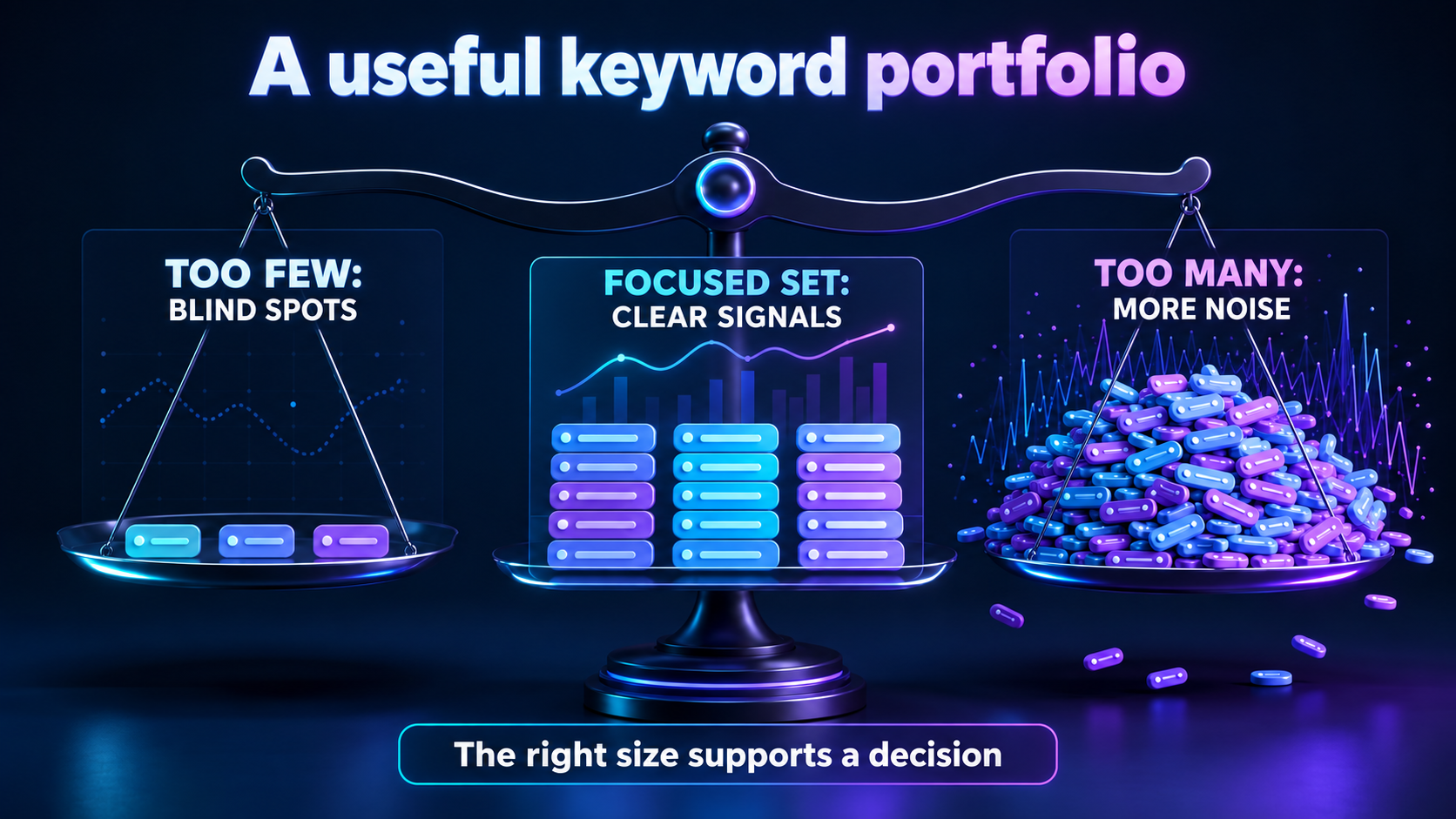
A long list can look thorough while weakening the actual ASO process. Weak or irrelevant terms add little insight. Highly volatile terms can dominate a report with daily fluctuations. Mixed search intents make it hard to tell which movement matters, and keywords with no possible action become passive data collection. Adding every term a competitor ranks for creates the same problem: competitor relevance is a clue, not proof that the term fits your product.
Estimated demand should also be treated as directional rather than exact. A high-demand phrase that does not describe the app is not automatically valuable, and a lower-volume long-tail term may be useful if it matches a clear user problem. A smaller actionable keyword set is more valuable than a large list nobody reviews.
The Four Types of Keywords Every App Should Track
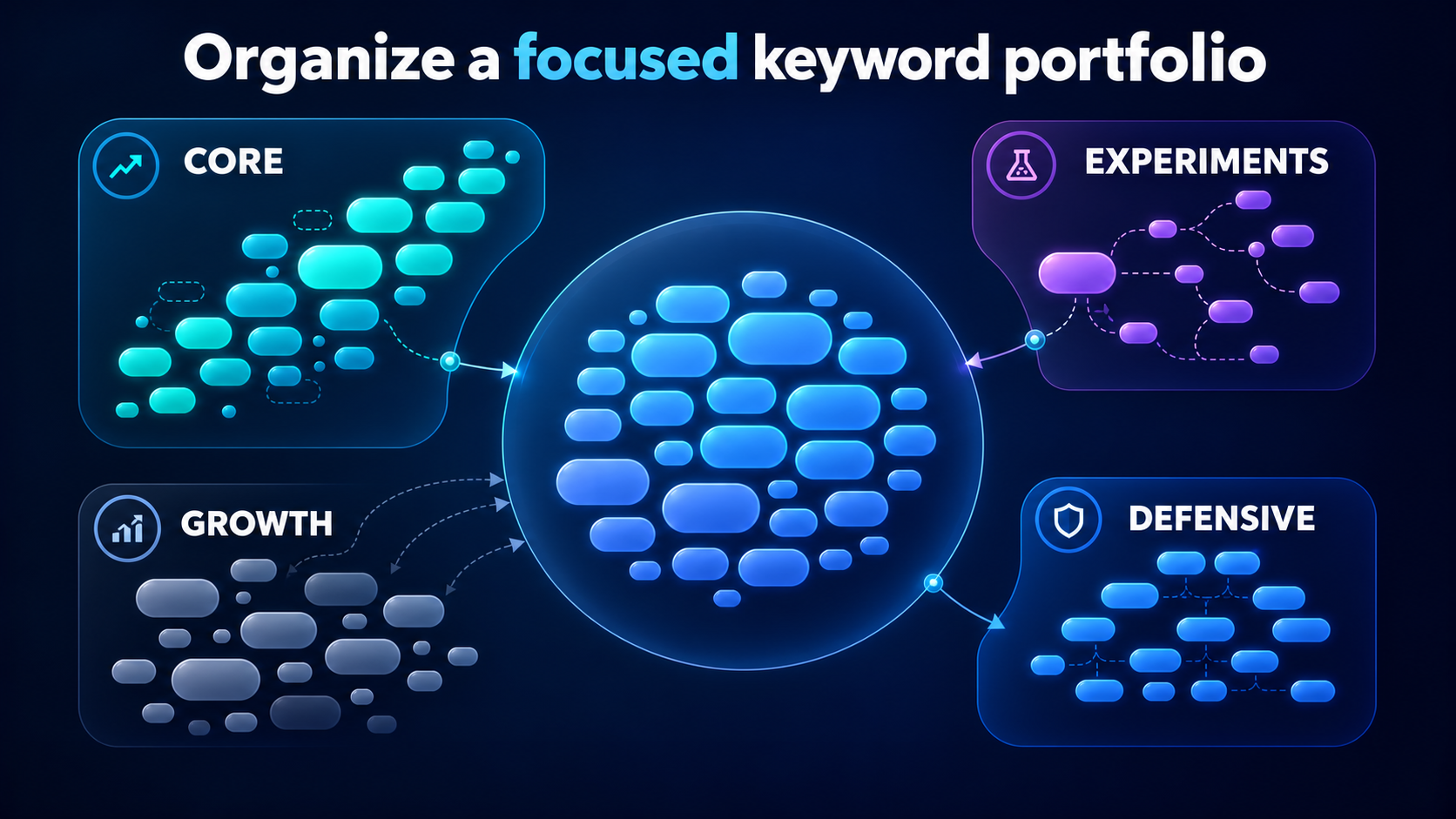
A useful portfolio is easier to manage when terms are grouped by intent and decision. Consider a fictional habit-tracking app. The examples below are illustrative, not measured ranking results.
1. Core category keywords
These terms describe the product and its main category: habit tracker, daily habit planner, or simple goal tracker. They should form the stable center of the list because they help you evaluate whether the listing is visible for the product people are actually seeking.
2. Feature and use-case keywords
These terms describe meaningful functionality or a job users want to complete: morning routine checklist, streak calendar, or routine reminder. They connect listing language to concrete product value and can reveal which features deserve clearer positioning.
3. Long-tail and growth keywords
Long-tail phrases are narrower and often more specific: habit tracker for busy adults or simple daily routine planner. They can help a team explore realistic growth paths without replacing the core terms. Review them for natural language and actual product fit.
4. Defensive and competitor-informed keywords
These are important terms where direct competitors appear, where the app already has useful visibility, or where a competitor is gaining. Use them to understand overlap and gaps, not to copy another company or treat a brand name as a generic optimization target.
A Practical Keyword Allocation Example
Suppose the habit-tracking app has a 40-keyword portfolio. Allocate approximately 22 terms to core category and strongest feature language, 8 to realistic growth opportunities, 5 to experimental long-tail ideas, and 5 to defensive or competitor-informed observations. This is a starting structure, not a permanent ratio.
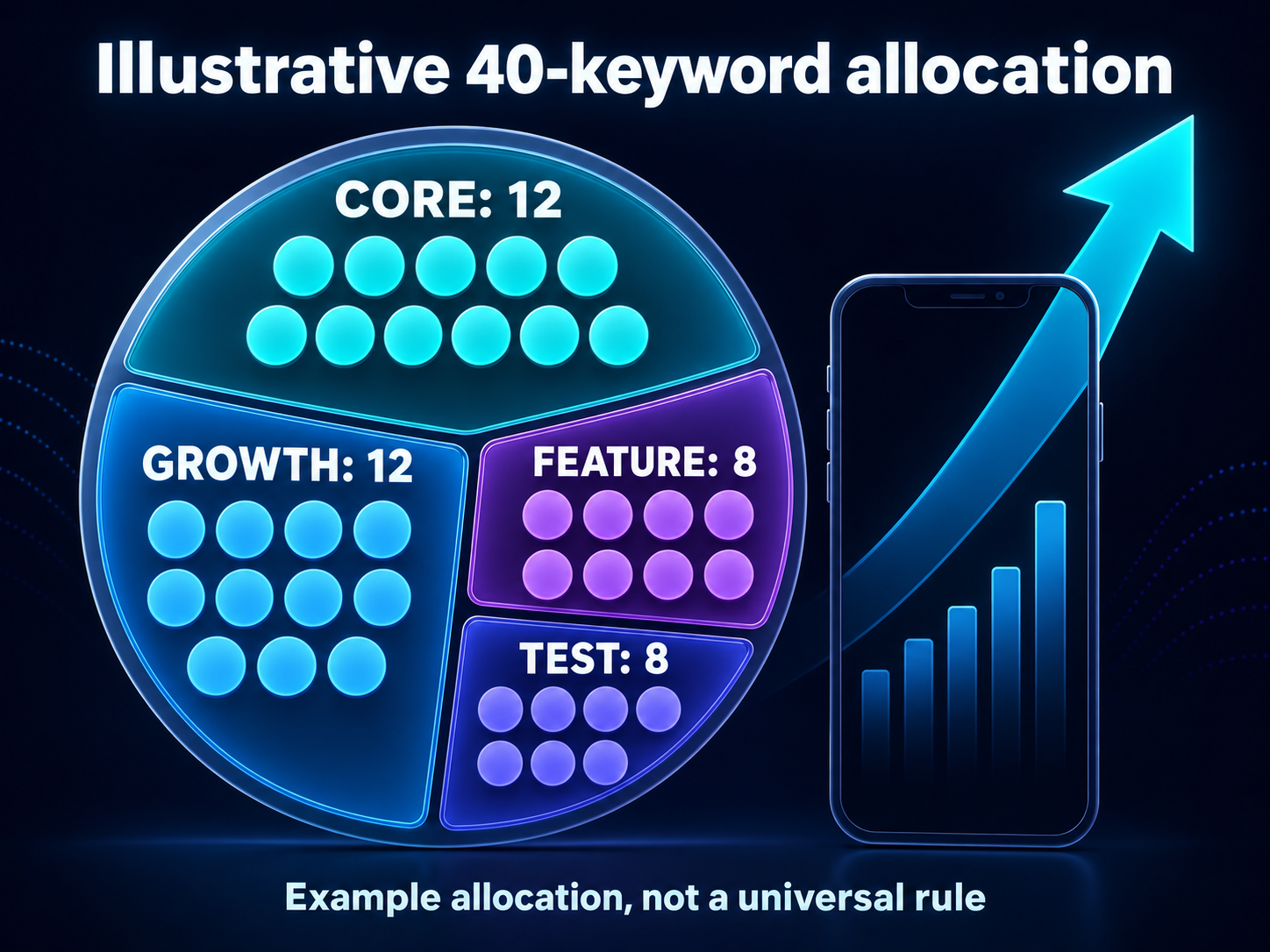
The core group answers, “Are we visible for what we are?” The growth group answers, “Where could the listing expand?” The experimental group tests new language, audiences, and use cases. The defensive group answers, “Which important areas need attention because the competitive context changed?” Each group should lead to a different decision rather than one undifferentiated score.
How Many Keywords Should a New App Track?
Start a new app with approximately 20 to 30 active terms. A larger research list is fine before launch, but the active tracking list should stay focused until the team understands the app’s real visibility. Choose phrases that directly describe the product, match real user intent, represent important features, include a few realistic long-tail terms, and relate to the primary launch country.
Competitor app keywords can help expose language you missed, especially when direct alternatives appear for a use case your app also serves. Still, avoid broad phrases that do not accurately describe the product. A keyword should earn a place in the active list because it supports a decision, not because a tool returned it.
When Should You Increase the Number of Keywords?
Add keywords when a new feature launches, the app enters a new use case, a localization is released, or competitor research reveals a relevant gap. User reviews and support requests can also reveal the words people use to describe the problem. Existing keywords that rank consistently may create room for related phrases, but only if the team can review the larger set without reducing quality.
Add a small batch, label its purpose, and watch it through a consistent review window. Do not add terms merely to fill a dashboard. Incremental expansion makes it easier to understand which new group changed and whether it produced a useful observation.
When Should You Remove or Pause a Keyword?
Remove or pause a term when it no longer matches the product, its search intent is clearly different, a feature has been removed, or the localization is no longer supported. A competitor brand term may be useful for research, but it should not remain in a general optimization portfolio if it creates no legitimate product decision. Duplicate intents can also be consolidated so the list stays readable.
A low ranking alone is not always a reason to remove a keyword. A difficult term may be strategically important, and a new app may need time to establish visibility. Ask whether the term is relevant, whether its movement teaches you something, and whether the team has a reasonable next action before pausing it.
Should You Track Different Keywords for Each Country?

Yes, when the market matters. Vocabulary, localization, competitors, and visibility can differ between countries. A budgeting app might use one set of phrase variations for the United States, another for the United Kingdom, and different wording for India. The same keyword can also behave differently between App Store and Google Play.
Start with the primary country and expand when the app is localized or the market has a clear business purpose. Use an App Store keyword rank tracker or a Google Play keyword rank tracker to keep store observations explicit. Do not combine country rankings into one universal position; the differences are part of the insight.
This separation also matches the way the stores describe listing relevance. Apple's App Store search guidance emphasizes relevance to what people search for, while Google Play listing guidance recommends clear, useful metadata for the intended audience. Neither source defines a universal number of keywords to track.
How Often Should You Review Your Keywords?
Important keywords can be checked daily, while most teams can make meaningful decisions in a weekly review. Clean and rebalance the keyword portfolio monthly. Run a deeper review after a major release, listing change, or localization update. A dedicated ASO rank tracker can preserve the daily history, but collecting rankings daily does not mean changing metadata daily.
Avoid changing the listing because of one isolated movement. Look for a pattern across related terms, countries, stores, and competitors. Ranking data is evidence for a decision, not a guarantee that one change caused a result.
A Simple Weekly Keyword Review Process
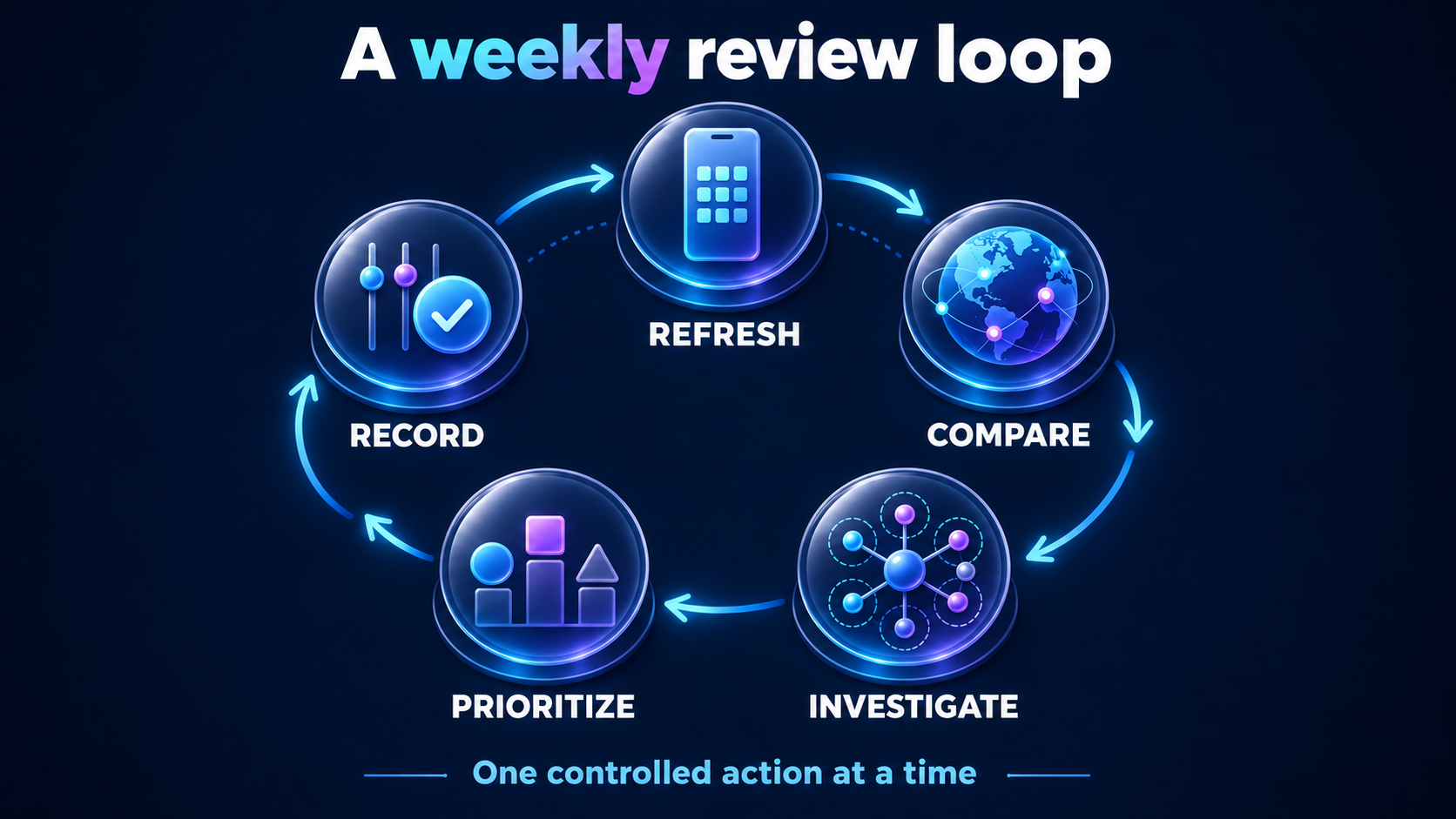
- Confirm the app, store, and country. Make sure the comparison is like for like.
- Review major gains and losses. Start with movement that could change a decision.
- Compare related keyword clusters. Look for a pattern rather than one isolated term.
- Check direct competitor movement. Separate market movement from app-specific movement.
- Review recent releases or listing changes. Note other events that could explain the timing.
- Choose one controlled action. Update one relevant part of the strategy instead of changing everything.
- Record the decision for the next review. Keep the reason and expected signal visible.
This process keeps keyword rank tracking connected to decisions. It also makes it easier to explain why a term was added, paused, or left unchanged when the next review arrives.
Common Keyword Tracking Mistakes
The most common mistake is tracking hundreds of keywords immediately. Other problems include copying every competitor keyword, mixing countries, mixing App Store and Google Play data, ignoring long-tail terms, and focusing on irrelevant high-volume phrases. Removing a keyword after one bad day is the opposite mistake: it treats normal volatility as a final verdict.
Document listing changes and releases so ranking movement has a timeline. Avoid using competitor brand terms as generic optimization targets, and do not assume that a ranking change proves an algorithm update. A useful keyword portfolio is a record of hypotheses and observations, not a list of every phrase that sounds interesting.
Final Recommendation: Track What You Can Understand
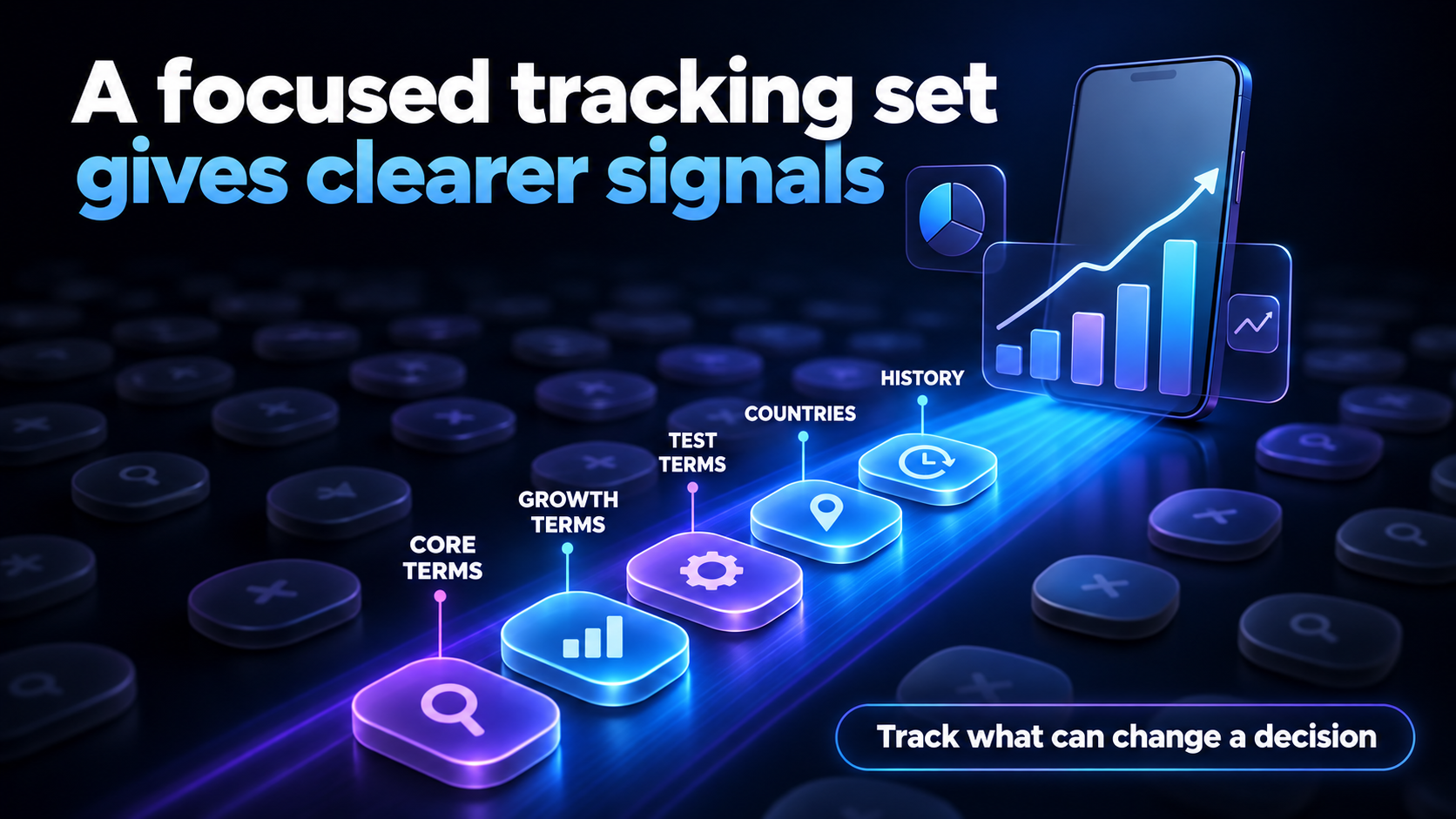
Most small app teams should start with 20 to 50 carefully selected keywords per app, store, and primary country. Expand the list as the app gains features, enters more markets, learns from competitor research, and develops a consistent review workflow. A growing app may need 40 to 75 terms, an established competitive app 75 to 150, and a large multi-country portfolio more than 150 when each market and store is kept organized.
The goal is not to track the largest number of keywords possible. Track the largest number you can understand, review, and act on consistently. Rank Analyzer Pro helps teams organize app keywords, compare competitor coverage, and monitor country-specific movement so a keyword portfolio remains connected to real ASO decisions. Review competitor app keywords alongside your own terms, then keep the active list focused enough to use every week.
Before changing listing copy, compare the selected terms with the Apple product page guidance and Google's guidance on categories and tags. These references help keep the portfolio grounded in relevance and accurate positioning rather than raw volume.
FAQ
How many keywords should a new app track?
A new app should usually begin with about 20 to 30 highly relevant keywords for each store and primary country. Include core category terms, important features, realistic long-tail phrases, and a few competitor-informed terms. Expand only when the team can review the added terms and make decisions from them.
Is tracking 100 app keywords too many?
Tracking 100 app keywords is not automatically too many, but it may be excessive for a small app team. The useful limit is the largest set you can review consistently. Separate the list by priority and country, remove irrelevant terms, and avoid collecting rankings that do not support an ASO decision.
Should I track the same keywords on iOS and Android?
Track overlapping keywords on iOS and Android when the user intent is shared, but keep the store observations separate. Search behavior, competition, metadata rules, and ranking movement can differ between App Store and Google Play. A shared list can be a starting point, not a reason to combine results.
Should keywords be tracked separately for each country?
Yes, when country performance matters. Language, localization, competitors, and search behavior differ by market, so the same phrase can produce different visibility. Keep country-specific observations separate and add markets when the app is localized or the team has a clear reason to act there.
How often should app keyword rankings be reviewed?
Important keywords can be checked daily, but most teams should make meaningful decisions in a weekly review. Rebalance the portfolio monthly and review more deeply after a release, listing change, or localization update. Collecting rankings daily does not mean changing metadata every day.
Suggested tags: app keyword tracking, ASO keyword strategy, mobile app keywords, App Store optimization, competitor research