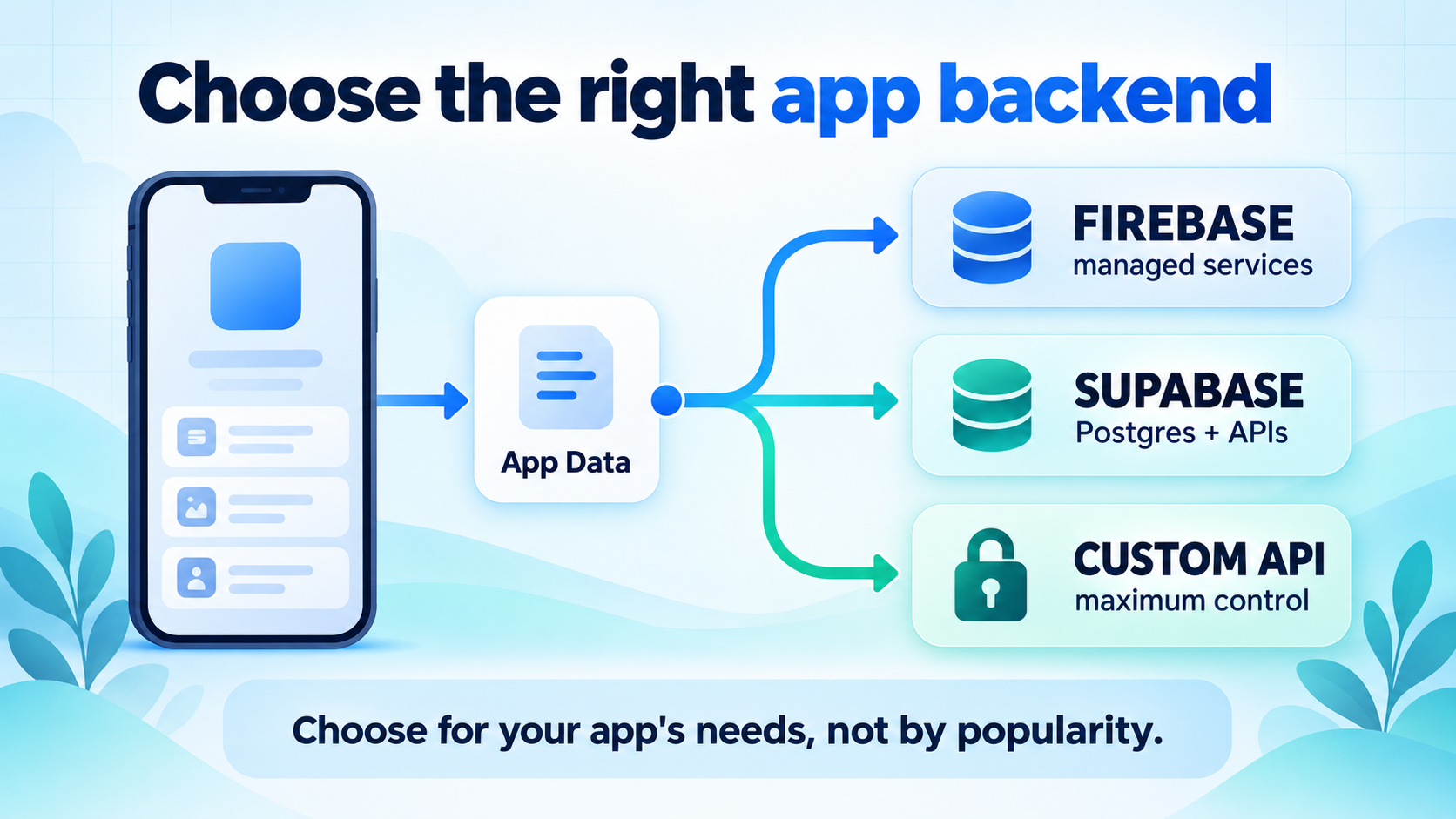
Firebase, Supabase, and a custom backend can all support a real mobile product. They make different tradeoffs around data modeling, authentication, realtime behavior, deployment control, pricing, and the work your team must own. The right choice for a prototype may be the wrong choice for a regulated product or a service with unusual data processing.
This guide gives you a decision process rather than a winner. It covers what to compare, where each option tends to fit, the costs people forget to model, and how to avoid making a later migration harder than it needs to be. For the product side of the same journey, see the guide to measuring mobile app activation after installation.
Start with data and operations
Use a managed backend when speed and reduced operations matter most. Favor a relational platform when SQL and data relationships are central. Build a custom API when control or existing infrastructure justifies the extra work. Do not choose on features alone; choose the system your team can secure, debug, and afford.
What a mobile app backend actually has to do
A mobile backend is more than a database URL. It usually sits behind the client and is responsible for some combination of identity, authorization, data storage, file handling, notifications, background work, analytics, search, payments, and integrations. Write down the responsibilities before comparing vendors, because two platforms may advertise similar features while requiring very different implementation and operating models.
- Identity: sign-up, sign-in, password recovery, social providers, sessions, and account deletion.
- Authorization: rules that decide which user, role, or service can read and change each record.
- Data: entities, relationships, queries, transactions, migrations, indexes, and retention.
- Files: uploads, downloads, transformations, access control, and lifecycle policies.
- Server work: trusted operations, webhooks, scheduled jobs, secrets, and integrations.
- Operations: logs, alerts, backups, restore tests, cost controls, incident response, and deployment.
For a small app, one managed platform may cover most of this surface. For a larger product, you may deliberately separate services. The goal is not to force every concern into one provider; it is to make the boundaries and ownership explicit.
Firebase, Supabase, and custom API at a glance
| Option | Usually strongest when | Main tradeoff | Team must own |
|---|---|---|---|
| Firebase | You want managed services, mature mobile SDKs, and a fast path from prototype to product. | Some data and query decisions are shaped by the chosen Firebase service rather than a traditional relational model. | Security Rules, data modeling, cost controls, service limits, and provider-specific integration choices. |
| Supabase | Your product benefits from Postgres, SQL, relational data, and database-level policies. | You still need to understand database operations, policies, migrations, and the platform's usage model. | Schema design, migrations, Row Level Security, query performance, and service configuration. |
| Custom API | You need infrastructure control, specialized processing, existing services, or a strict deployment environment. | You take on more code and more operational responsibility from the first release. | Auth, API security, database operations, deployments, backups, monitoring, scaling, and incident response. |
This is a starting map, not a product ranking. Firebase can work with relational data through the services you choose, Supabase can support fast product development, and a custom API can be small or large. The important distinction is where the complexity lives and whether your team can manage it.
Choose based on your data model
Data shape is often the most durable backend decision. Interfaces can change quickly; a data model that is hard to query, migrate, or secure can remain expensive for years. Sketch the core entities and their relationships before selecting a platform.
Ask whether your app is mostly document-shaped or relationship-heavy. A document-oriented model can be a natural fit when a screen reads a self-contained object and the access patterns are predictable. A relational model is valuable when the product depends on joins, constraints, reporting, many-to-many relationships, or transactions across several entities.
Also write the top ten queries the app must perform. Include the filters, sort order, pagination, and expected frequency. A backend that stores the data easily but makes the important queries awkward is not a good fit. Model the queries before the schema, then test the expensive paths with realistic data rather than a handful of sample rows.
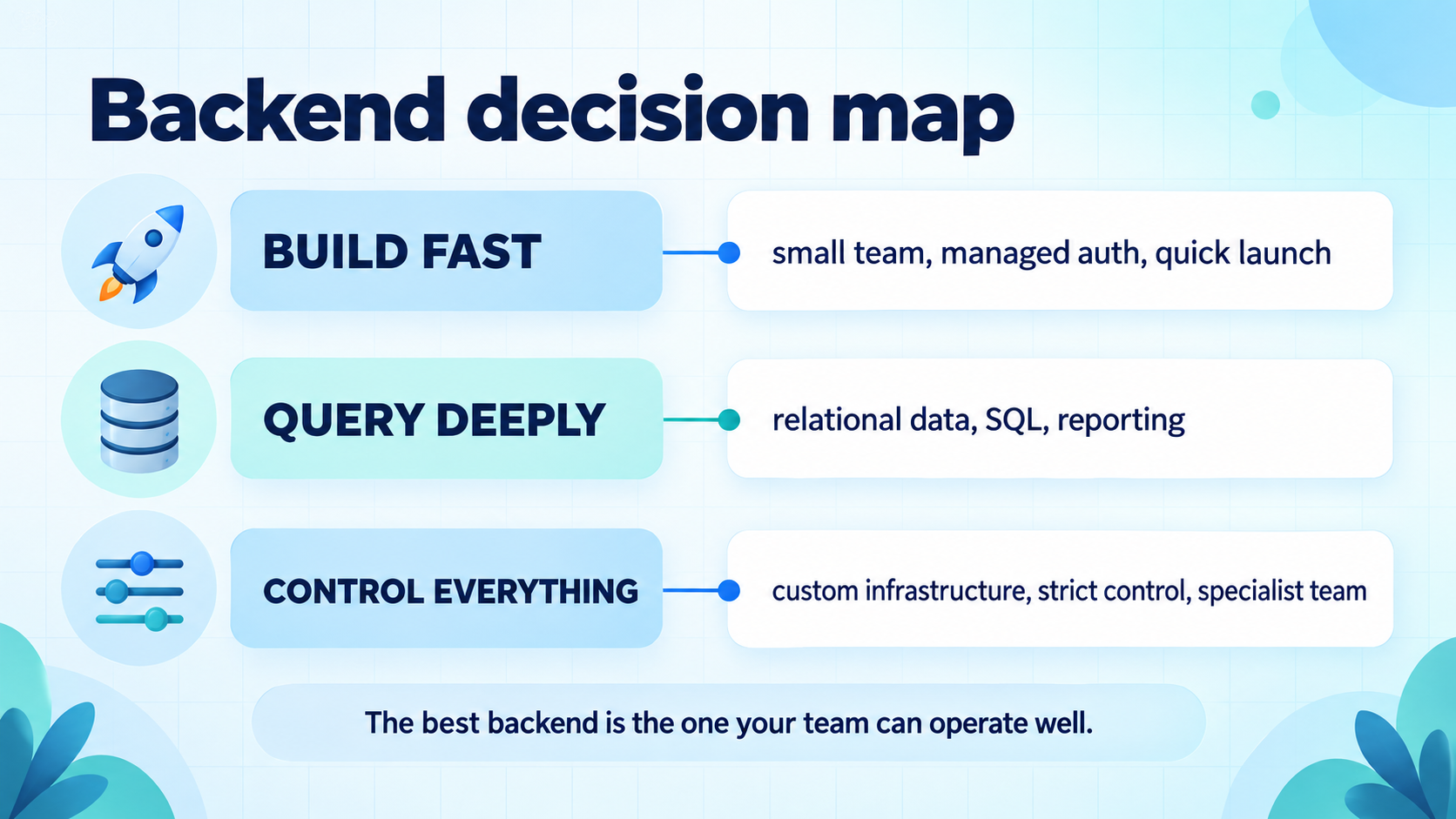
Firebase: where it tends to fit
Firebase is a broad managed platform rather than one database. Its services include authentication, Firestore, Realtime Database, Cloud Storage, server-side functions, messaging, and analytics. The Firebase documentation is organized by product, so evaluate the specific services your app will use rather than treating the platform as one undifferentiated feature.
Firebase is often attractive when the team wants to move quickly with official mobile SDKs and managed infrastructure. A small team can put a working sign-in and data path together without first designing and operating a complete API layer. It can also be a good fit when realtime updates, push notifications, or other Firebase services are part of the product's natural workflow.
The tradeoff is that you still need strong design discipline. Read the Firestore documentation for query and data-model constraints, and treat Firebase Security Rules as production authorization code. Do not assume that putting a client behind Firebase makes the data safe automatically. Rules, indexes, access patterns, and service-account boundaries need review and tests.
Supabase: where it tends to fit
Supabase combines a managed Postgres database with services such as authentication, storage, realtime, and Edge Functions. The official Supabase documentation describes how these services connect around a Postgres project. This can feel natural for teams that think in tables, SQL queries, migrations, constraints, and relational reporting.
Supabase is often a strong candidate when data relationships are core to the product or when the team wants database-native capabilities without operating every server component itself. Authentication uses the project's database context, and client access can be protected with Row Level Security. That can make authorization close to the data, but it also means the team must understand policies and test them like application code.
The tradeoff is not that Postgres removes complexity. Schema migrations, indexes, query plans, connection behavior, backups, and policy design remain real engineering work. If nobody on the team is comfortable operating a relational database, the platform may still be the wrong fit even when the SQL interface looks appealing.
When a custom API is justified
A custom API gives you the most control, but control is not free. You are responsible for authentication flows, authorization, input validation, rate limits, secrets, database access, deployment, observability, backups, restores, and scaling. You also decide how clients evolve when the API changes and how to handle old app versions that remain installed in the wild.
Build custom infrastructure when it solves a real constraint: the company already operates a platform, the product needs specialized processing, a third-party system is the source of truth, deployment must run in a specific environment, or the data and security model do not fit a managed service cleanly. A custom API can also be appropriate for a team with proven platform expertise.
Do not build one merely because a managed service feels less professional. Every backend is an operating decision. If a custom API delays the product, spreads security-sensitive code across an inexperienced team, or creates an on-call burden nobody owns, its theoretical flexibility is not a practical advantage.
Compare authentication and authorization separately
Authentication answers “who is this?” Authorization answers “what may this identity do?” A backend choice can make authentication easy while leaving authorization dangerously vague. Compare both.
| Area | Questions | Evidence to require |
|---|---|---|
| Sign-in | Which email, social, phone, or enterprise providers are needed? | Documented SDK behavior, recovery flow, and account deletion path. |
| Data access | Can a user read only their own records? What about shared teams? | Rules or policies tested for allow and deny cases. |
| Trusted work | Which actions must run on a server instead of the client? | Server-only credentials, validated input, idempotency, and audit logs. |
| Lifecycle | How are sessions revoked, accounts deleted, and old clients handled? | Threat model, operational procedure, and a tested deletion workflow. |
For Firebase, review Firebase Authentication and Security Rules together. For Supabase, review Supabase Auth and Row Level Security together. For a custom API, write down the authorization model before writing routes.
Do not compare price tags; compare workload
Backend pricing becomes meaningful only when it is tied to usage. Build a simple monthly workload model containing active users, reads, writes, storage, file downloads, bandwidth, realtime connections, function or compute time, authentication volume, logs, backups, and third-party services. Then model a quiet month, an expected month, and a growth or launch month.
Use the current Firebase pricing page and Supabase pricing page when you do the calculation. Pricing, quotas, and included usage can change. The entry-level plan is not the whole cost, and a lower invoice can still be more expensive if it forces the team to build and maintain missing capabilities.
Include the cost of engineering time. A platform that saves two weeks before launch but creates a recurring debugging or migration burden may not be cheaper over the product's life. Conversely, paying for a managed capability can be a good trade when it removes an operational responsibility your team does not need to own.
Plan for growth without overbuilding
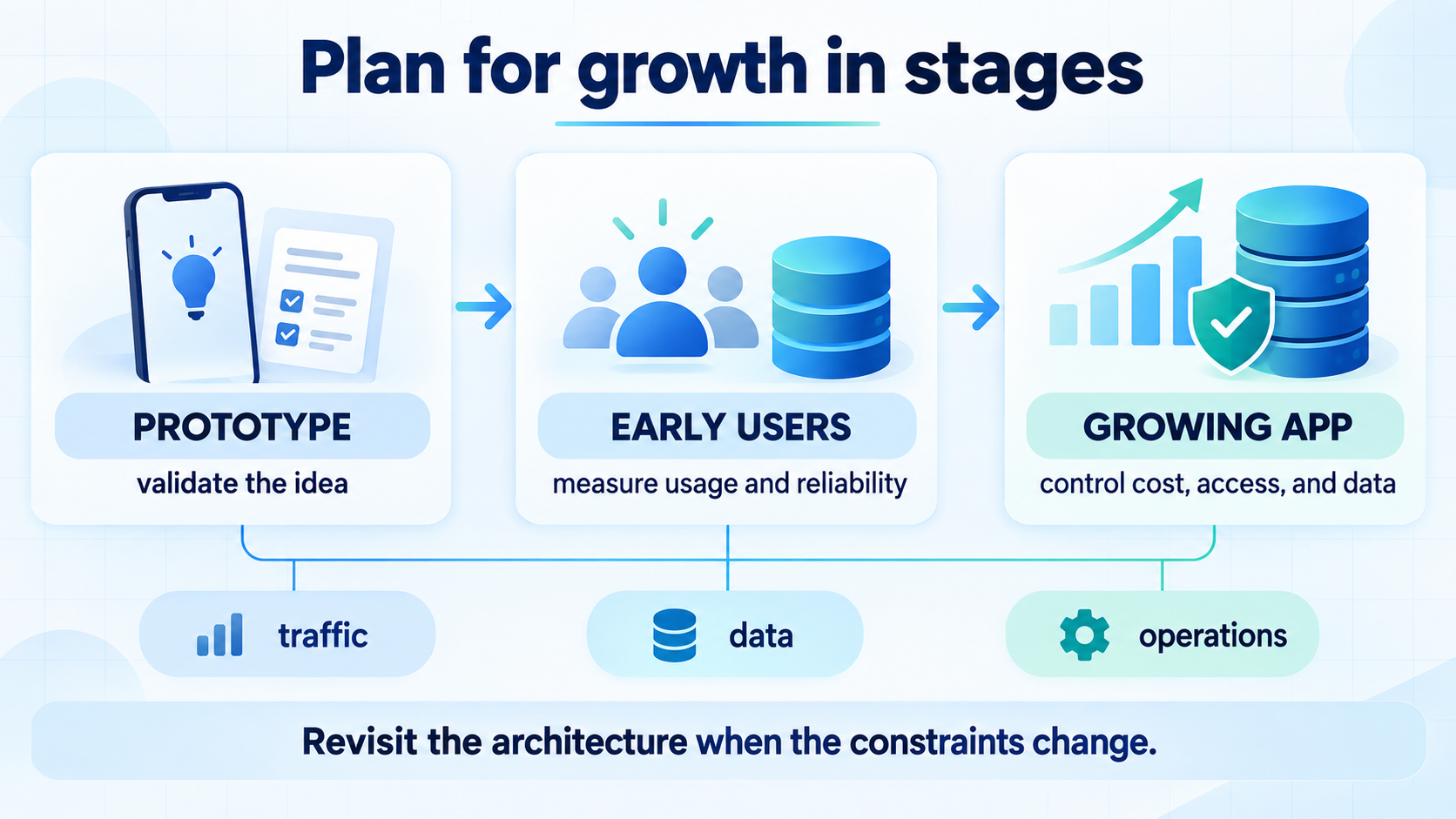
Do not design for an imaginary scale before you have a product signal. Do design for the next constraint you can reasonably predict: larger datasets, more concurrent users, more background work, stronger access controls, or a second mobile platform.
Keep provider-specific code behind small interfaces where it is practical. Define domain operations such as “create workspace,” “list projects,” or “record purchase” rather than scattering raw SDK calls through every screen. Store data contracts and migrations in version control. Keep secrets out of the client and make an explicit list of which operations require trusted server execution.
Migration risk is mostly in the boundaries
Teams often say they can migrate later, but the word “later” hides several separate projects. Data migration is only one part. You may also need to move users and sessions, recreate authorization rules, replace realtime listeners, rewrite file access, rework background jobs, update analytics, and support clients that still expect the old API.
Make migration easier by keeping important boundaries explicit:
- Use a domain service layer for business operations that should not know about a provider's SDK.
- Keep schema and migration history in version control, with restore-tested backups.
- Use stable internal IDs and avoid exposing provider-specific document paths as product identifiers.
- Make imports and webhooks idempotent so a backfill can be retried safely.
- Document authentication claims, roles, deletion behavior, and data retention before migration.
- Run a small shadow or staging migration before moving the production write path.
The goal is not to guarantee a painless migration. It is to make the cost visible before the first release locks business logic to an infrastructure detail.
A practical decision process
- Write the product constraints.List platforms, launch date, core workflows, regions, compliance needs, and team experience.
- Sketch the data.Draw entities, relationships, access rules, top queries, file needs, and transaction boundaries.
- Estimate the workload.Model active users, reads, writes, storage, bandwidth, realtime, background work, and backups.
- Build one vertical slice.Implement sign-in, one protected data workflow, one failure path, and one deployment path.
- Test authorization.Verify owner, shared, anonymous, expired-session, and deleted-account cases.
- Test operations.Practice logs, rollback, backup restore, secret rotation, and an incident notification.
- Record the decision.Write why the option was selected, what would trigger a review, and which limits are known.
This process is faster than debating provider names in the abstract. A small working slice exposes the problems that a feature checklist cannot: awkward queries, confusing policies, missing observability, or a deployment process nobody wants to repeat.
Backend choice is not acquisition measurement
Your backend helps operate the product after users arrive. Store visibility is a separate part of the funnel. If you also need to understand which app keywords bring visibility by market, Rank Analyzer Pro tracks keyword rankings by store and country so product and acquisition evidence do not get mixed together.
Common mistakes to avoid
- Choosing by demo speed alone: a fast prototype does not prove secure authorization or predictable cost.
- Putting provider calls everywhere: this makes business logic and future migration harder to test.
- Ignoring failed operations: retries, duplicate requests, offline clients, and partial writes need a design.
- Testing only the happy path: authorization bugs appear in shared, expired, deleted, and cross-account cases.
- Comparing free plans as if they were production architecture: limits and operations change when usage grows.
- Forgetting old mobile clients: released apps can continue calling yesterday's API for months.
- Assuming managed means maintenance-free: rules, migrations, backups, logs, and cost alerts still need owners.
FAQ
Is Firebase or Supabase better for a mobile app?
Neither is universally better. Firebase is often a strong fit when a team values managed services and fast client SDK integration. Supabase is often a strong fit when relational Postgres data, SQL, and row-level policies are central. Choose based on the app's requirements and the team's ability to operate the system.
When should a mobile app use a custom backend?
A custom backend is reasonable when the product needs infrastructure control, specialized processing, an existing service architecture, strict deployment requirements, or data behavior that managed services cannot support cleanly. It also requires a team that can operate security, backups, monitoring, and scaling.
Is Firebase cheaper than Supabase?
There is no universal answer. Total cost depends on reads, writes, storage, bandwidth, compute, authentication, realtime traffic, backups, and operational work. Model the workload using current official pricing pages rather than comparing only the entry-level plan.
Can you migrate from Firebase to Supabase later?
Migration is possible, but the effort depends on the data model, authentication, security rules, realtime behavior, server functions, and client SDK usage. A stable domain layer and explicit data contracts make a later migration easier than spreading provider-specific calls throughout the app.
Conclusion
Firebase, Supabase, and a custom API are all valid tools for the right mobile app. The best choice is the one that fits your data model, security requirements, workload, delivery timeline, and team capabilities. Start with a small vertical slice, test the uncomfortable paths, model the real workload, and document the tradeoff before committing.
Revisit the choice when the constraints change, not when a new technology becomes fashionable. When you are ready to measure the user journey, use the activation metrics guide and the Firebase Analytics event guide to keep product evidence useful after launch.